How to Move Docker Desktop Data to Another Drive on Windows 11
Reclaim C: drive space by relocating your Docker Desktop virtual disks to a secondary drive on Windows 11 without losing your containers and volumes.
Guides for configuring Windows development environments, from WSL to terminal setup and driver management.
18 articles
Reclaim C: drive space by relocating your Docker Desktop virtual disks to a secondary drive on Windows 11 without losing your containers and volumes.
Set up Windows Terminal and PowerShell to mimic a Unix environment. Essential configuration guide for developers switching from Linux or macOS to Windows.
Harden your Windows dedicated game server with strict network rules and resource limits. Ideal for developers and sysadmins securing multiplayer backends.
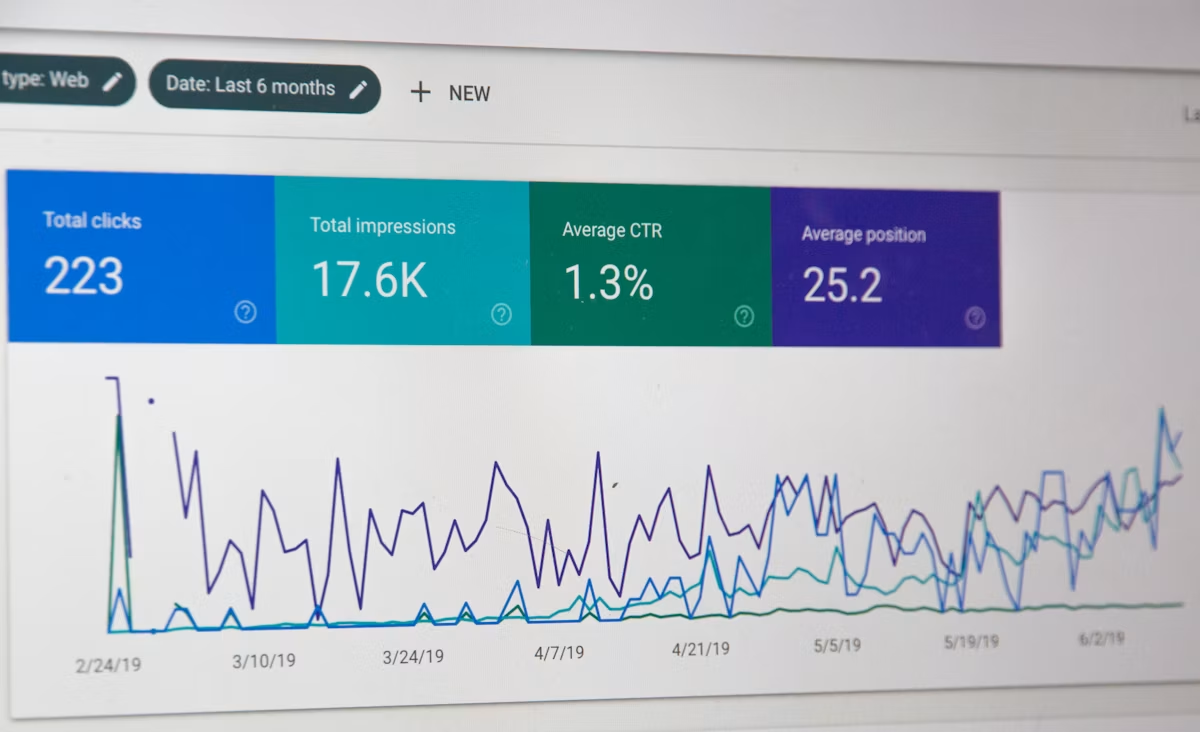
Eliminate sluggish file system performance in WSL2 for Node.js monorepos. Actionable steps for developers to speed up builds, tests, and Git operations.
Configure Nginx inside WSL2 to route traffic from Windows hosts. A practical setup guide for developers using local Linux environments on Windows.
Learn how to configure Windows Firewall rules for Node.js servers. Secure local development and production environments by opening specific ports correctly.
Master Windows Terminal profiles to build isolated, high-performance dev environments. Boost your daily developer workflow with advanced JSON configuration tips.
Learn how to configure a lightning-fast React development environment on Windows 11 using WSL2, Node.js, and VS Code. Step-by-step guide for developers.
Master Git on Windows with our expert setup guide. Optimize line endings, configure SSH keys, and streamline your dev workflow for peak performance.

Learn how to cleanly install and configure PostgreSQL on Windows 11 for local development. Optimize performance, configure PATH, and connect via CLI.
Master Docker Desktop on Windows 11 with WSL2. Follow our engineer-focused setup guide for optimal container performance, low resource overhead, and speed.
Learn how to set up a Minecraft server on Windows with this step-by-step technical guide. Optimize performance, configure properties, and play with friends.
Supercharge Windows Terminal with profiles, themes, split panes, and custom keybindings. Turn your terminal into a productivity machine.
Master WSL2 with Ubuntu on Windows 11. Follow this technical setup guide for optimal performance, terminal configuration, and a seamless developer workflow.
Master your Node.js environment. Learn the essential 2026 VS Code setup, extensions, and debugger configurations to boost your development workflow efficiency.
Stop using the Windows installer. Learn how to install Node.js on Windows the right way using NVM for seamless version management and environment stability.
A technical, zero-fluff guide for developers to update, clean-install, and automate GPU drivers on Windows 11, featuring CLI tools, DDU, and WSL2 configurations.

Level up your testing strategy with expert-led insights. Learn to build resilient, scalable test suites that accelerate deployment and ensure production quality.